 Ignidra
Windows 10 or 11, 64-bit
Ignidra uses WebView2, already on Windows 11 and installed automatically on Windows 10 if needed.
Ignidra / Windows
Free, no ads, no account. A guided installation.
Download for WindowsVersion 2.0.0 · Windows 10 and 11, 64-bit
Read the notes for this release
All releases and checksums
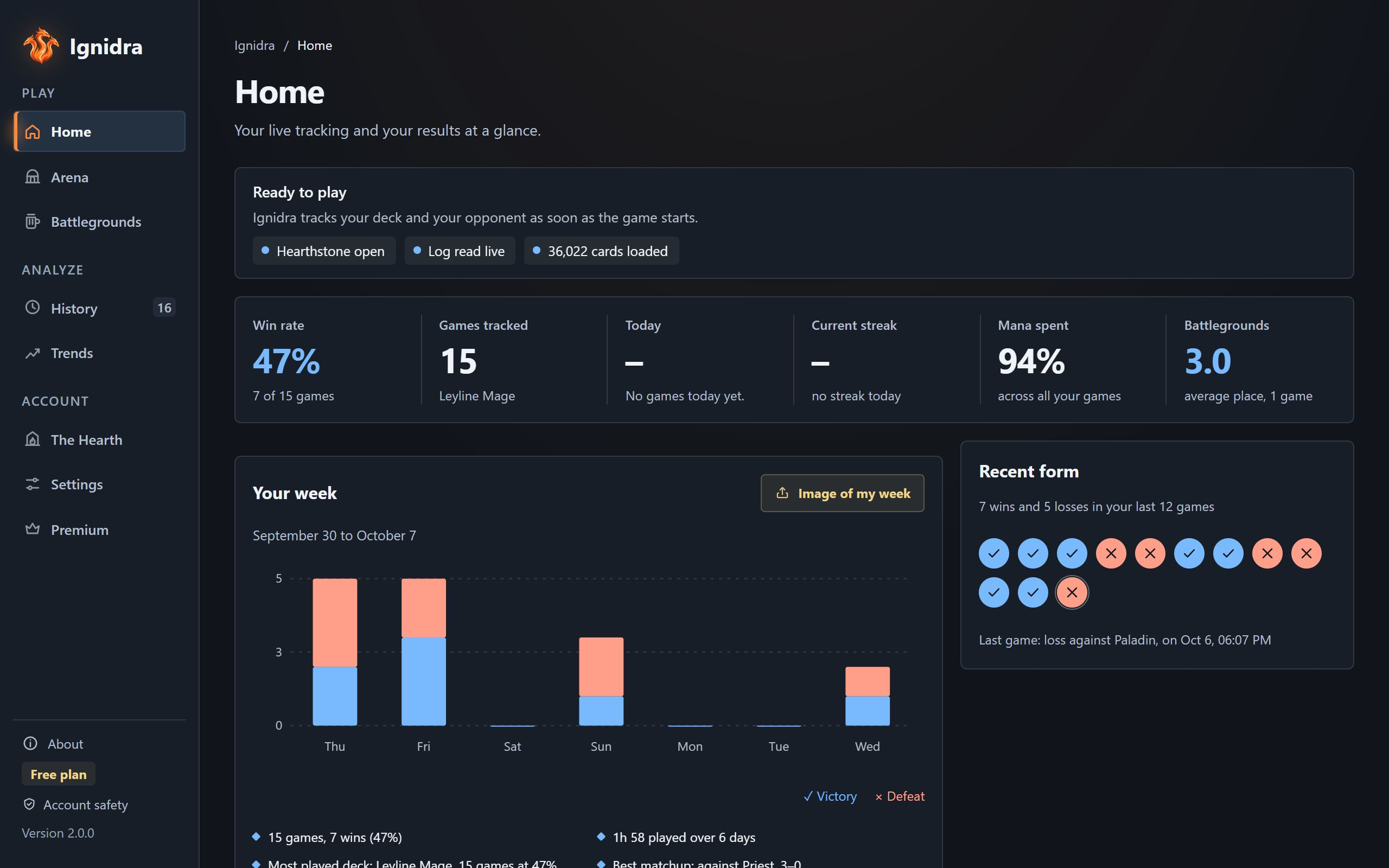
Ignidra uses WebView2, already on Windows 11 and installed automatically on Windows 10 if needed.
Ignidra finds the game folder on its own. If not, set it in Settings.
Ignidra works without an account. The optional Hearth account will come later.
The Ignidra-Setup.exe file, published on our releases page with its checksums.
Pick your language, accept the terms, keep the suggested folder. No administrator rights needed.
Click “More info”, then “Run anyway”. See the explanation below.
It checks Hearthstone and turns on its logs (the log.config file). If Hearthstone was open, restart it once.
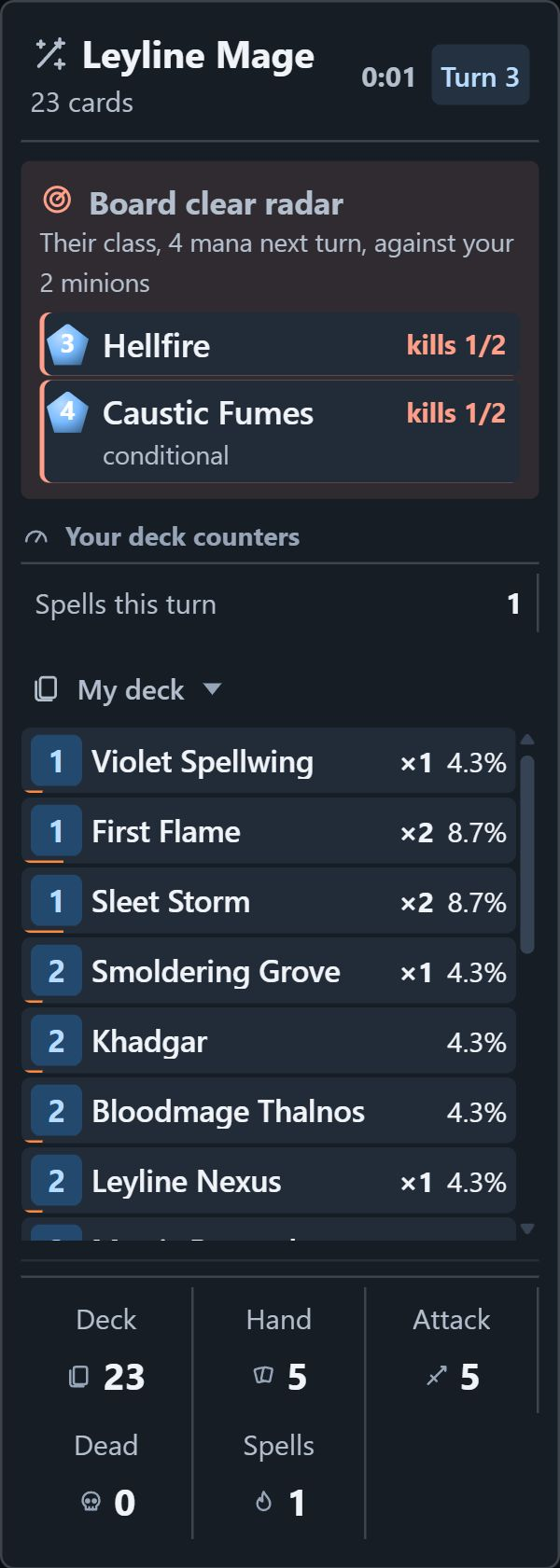
The panels appear on their own.
Microsoft Defender SmartScreen evaluates the reputation of downloaded files. A recent programme may show a warning because it has not yet built enough reputation. This is not a security verification of the file.
If you downloaded the installer from our GitHub release page and verified its checksum, select “More info”, then “Run anyway” to continue. The update signature verified by the application is separate from a Windows code-signing certificate.
Automatic updates are signed: the application refuses an update whose signature does not match its verification key. Microsoft's SmartScreen explanation.
Every release publishes a SHA256SUMS.txt file. In PowerShell, in your Downloads folder:
Get-FileHash .\Ignidra-Setup.exe -Algorithm SHA256The hash shown must match the one in SHA256SUMS.txt on the releases page.
Ignidra downloads them in the background and offers “Install and restart”. Never during a game.
Windows Settings → Apps → Ignidra → Uninstall.
Ignidra's Home tab tells you what to do. Otherwise, write to [email protected] with the diagnostics copied from the Home tab.